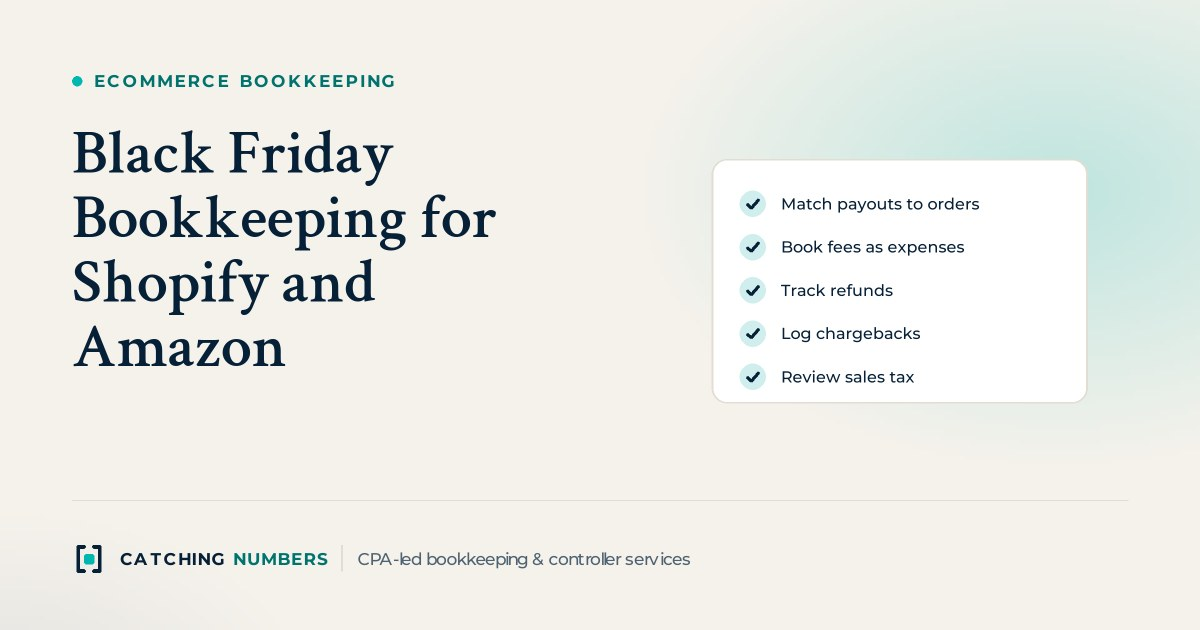
Black Friday (November 27, 2026) and Cyber Monday (November 30, 2026) can pack weeks of orders into four days, and none of it reaches your bank as clean sales. Shopify and Amazon both deposit net payouts: gross sales minus fees, refunds, chargebacks and reserves. Good Black Friday and Cyber Monday bookkeeping for Shopify and Amazon sellers means recording every payout gross (sales and sales tax at full value, fees as an expense, refunds and chargebacks on their own lines) and tying each deposit back to the platform’s payout or settlement report. Do that weekly through December and your year-end close becomes routine instead of a January scramble.
Key takeaways
- Never book a Shopify or Amazon deposit as one sales line; gross it up into sales, sales tax, fees, refunds and chargebacks.
- Use a clearing account for each channel so sales from the Cyber Monday weekend that pay out in December still land in November.
- Shopify Payments does not return the original card fee when you refund an order, and a US chargeback carries a $15 fee.
- Amazon collects and remits sales tax as a marketplace facilitator; on your own Shopify store, filing and remitting is your job.
- A holiday spike can push you over economic nexus thresholds in new states, so check them before January.
Why don’t Shopify and Amazon payouts match your sales?
Because each deposit is a net figure covering many orders, and the timing never lines up with your order dates.
On Shopify Payments, US stores have a minimum settlement time of three business days, and Shopify groups payments captured on Friday, Saturday and Sunday into one payout. Weekends and holidays don’t count toward settlement time, and Thanksgiving is a bank holiday, so a big Black Friday weekend often arrives as one large deposit the following week (Shopify payout timing). Shopify can also hold funds in a reserve to cover disputes and refunds, and held funds are left out of the payout until released (Shopify payouts).
On Amazon, the gap is wider. An Amazon representative explained in the Seller Forums that funds are released based on when customers actually receive their orders, that most sellers should expect disbursements about every 14 days, and that rolling reserves may apply depending on volume and account performance (Amazon Seller Forums, Delivery Date Policy). A settlement period can easily straddle November 30 or December 31.
| Item | Shopify (Shopify Payments) | Amazon |
|---|---|---|
| How you get paid | Net payouts to your bank, grouped by capture date | Net disbursements from your Amazon balance, released by delivery date |
| Timing | Minimum 3 business days in the US; Friday to Sunday grouped | About every 14 days for most sellers, plus any reserve |
| Fees on refunds | Original card fee is not refunded | Refunds and any fees Amazon keeps appear on the settlement report |
| Chargebacks | Deducted from next payout; $15 fee in the US, returned if you win | Claims and chargebacks appear on the settlement report |
| Sales tax | You file and remit (unless you use Shopify Tax automated filing) | Amazon collects and remits as marketplace facilitator |
| Report to reconcile | Shopify Payments activity report and payout details | Settlement report for each period |
How do you record a Shopify payout in QuickBooks Online or Xero?
Record the payout gross through a clearing account. Create a current asset account called “Shopify clearing.” Sales, sales tax, fees and refunds post into it, and the bank deposit clears it out. Your sync app or a summary journal entry can do the posting; the method matters more than the tool.
Here is an illustrative payout of $9,240. The figures are round examples, not Shopify’s rates:
| Account | Debit | Credit |
|---|---|---|
| Shopify clearing | $9,240 | |
| Merchant processing fees (expense) | $310 | |
| Sales returns and refunds (contra revenue) | $900 | |
| Sales tax payable (tax refunded to customers) | $50 | |
| Product sales | $10,000 | |
| Sales tax payable (tax collected) | $500 |
The clearing account is what makes the November cutoff work. Orders from Cyber Monday weekend that pay out in early December stay in Shopify clearing at November 30 as money owed to you, so November revenue is complete. At each month end, the clearing balance should equal the payouts in transit shown in Shopify. If it doesn’t, something was missed, double counted or held in a reserve. Shopify’s activity report breaks down transactions, fees and payouts for a date range, and the payout details page lets you download transaction records for accounting.
How do you reconcile Amazon settlement reports?
Work from the settlement report, not the bank deposit. Each settlement period lists order revenue, Amazon-collected sales tax, referral fees, FBA fulfillment fees, storage fees, advertising charged to your balance, refunds, reimbursements and reserve movements. Book them to separate accounts through an “Amazon clearing” account, just like Shopify.
- Split periods at month end. If a settlement runs from November 24 to December 8, allocate activity by date so November and December are each complete.
- Track the reserve as an asset. Money Amazon holds back is still yours. Keep it in an “Amazon reserve” account and release it when it’s paid, rather than treating it as a fee.
- Keep FBA fees separate from referral fees. Fulfillment fees usually belong in cost of goods sold or fulfillment costs; referral fees are selling costs.
- Record ads where they belong. Sponsored ads charged against your balance are advertising expense, not a reduction of sales.
- Tie out to zero. After the disbursement posts, Amazon clearing should hold only the reserve and any open, unpaid period.
Inventory is the other half of Amazon bookkeeping. Holiday sell-through changes your cost of goods sold sharply, so update inventory counts and costs at November and December month ends rather than once a year. Our ecommerce accounting page explains how we handle multichannel inventory.
How should you handle refunds and returns after the holidays?
Book refunds to a contra revenue account such as “Sales returns and refunds,” not as a negative sale buried inside a payout. That keeps your gross sales and return rate visible, which matters when January returns hit.
- Fees don’t come back. On Shopify Payments, the original card transaction fee isn’t refunded to you when you issue a refund (Shopify refunds and payouts). Leave that fee in expense.
- Refunds reduce the next payout. Shopify deducts refunds from your next available payout, so a heavy return week can produce a small or negative payout.
- Returned goods go back to inventory. If an item is resellable, move its cost from cost of goods sold back to inventory. If it’s damaged, write it off.
- Gift cards are not sales yet. Holiday gift card sales are a liability until the card is redeemed.
- Consider a returns reserve. If you keep accrual books and holiday returns are material, estimate December sales likely to come back in January so year-end revenue isn’t overstated.
What happens to your books when a customer files a chargeback?
The money leaves before the dispute is decided. With Shopify Payments, the chargeback amount is deducted from your next available payout, and US stores pay a $15 chargeback fee, which is returned if you win. You usually have 7 to 21 days to respond, and Shopify shows the specific deadline on each dispute (Shopify chargeback process). One trap: a customer can charge back the full value of a partially refunded order, so keep evidence of the partial refund.
We book the disputed amount to a “Disputed funds” receivable while it’s open, the fee to a chargeback fee expense account, and then either reverse both (you won) or move the amount to chargeback losses (you lost). On Amazon, A-to-z claims and chargebacks show up on the settlement report; book them the same way.
Do you owe sales tax on holiday sales from both channels?
It depends on the channel. Amazon says it calculates, collects, remits and refunds state sales tax as a marketplace facilitator on third-party sales into states with marketplace facilitator laws (Amazon marketplace tax collection). Record that tax so it nets to zero, not as your liability. On your own Shopify store, Shopify helps you charge tax but “doesn’t remit or file your taxes for you, unless you use Shopify Tax and set up automated filing” (Shopify US taxes). That sales tax payable balance is yours to file and pay.
A strong holiday season can also push you past a state’s economic nexus threshold for the first time. Run your 2026 sales by state through our free sales tax nexus checker before year end, check income tax nexus by state too, and talk with your tax advisor about registering anywhere you’ve crossed a line.
What should be done before December 31?
- Shopify and Amazon clearing accounts tie to payouts in transit and reserves at November 30 and December 31.
- Every payout and settlement in November and December is recorded gross, with fees, refunds and chargebacks on their own lines.
- Open disputes are listed, and lost ones are written off.
- Inventory is counted or reconciled to Amazon and warehouse reports, and cost of goods sold is updated.
- Sales tax payable matches what you collected on your own store, and nexus is reviewed.
Our year-end close checklist covers the rest of what your tax CPA will want. If November and December are already a mess, our QuickBooks cleanup and catch-up service can rebuild the clearing accounts before your tax CPA starts.
Frequently asked questions
Should I record Shopify and Amazon sales gross or net of fees?
Gross. Record full sales, then fees, refunds and chargebacks as separate lines. Booking the net deposit as sales understates revenue and hides your true selling costs, which makes margins and year-end numbers unreliable.
Do I get Shopify’s processing fee back when I refund an order?
Not with Shopify Payments. Shopify’s help center says the original card transaction fee isn’t refunded to you when you issue a refund, whether or not the order was fulfilled. Keep the fee in expense and book the refund to a returns account.
Are Cyber Monday sales November revenue if Shopify pays them in December?
On accrual books, yes, once the order has shipped or been delivered under your revenue policy. The payout date doesn’t decide it. A clearing account holds those sales as money owed to you at November 30 until the December payout arrives.
Where should I record money Amazon holds in reserve?
In a current asset account such as “Amazon reserve.” It’s your money on a delay, not a fee. When Amazon releases it in a later disbursement, move it back through Amazon clearing to cash.
Want your holiday payouts reconciled for you?
Our outsourced bookkeeping team reconciles Shopify and Amazon every month in QuickBooks Online or Xero and hands your tax CPA clean, tax-ready books. Book a free consultation and we’ll quote a fee based on what you need.