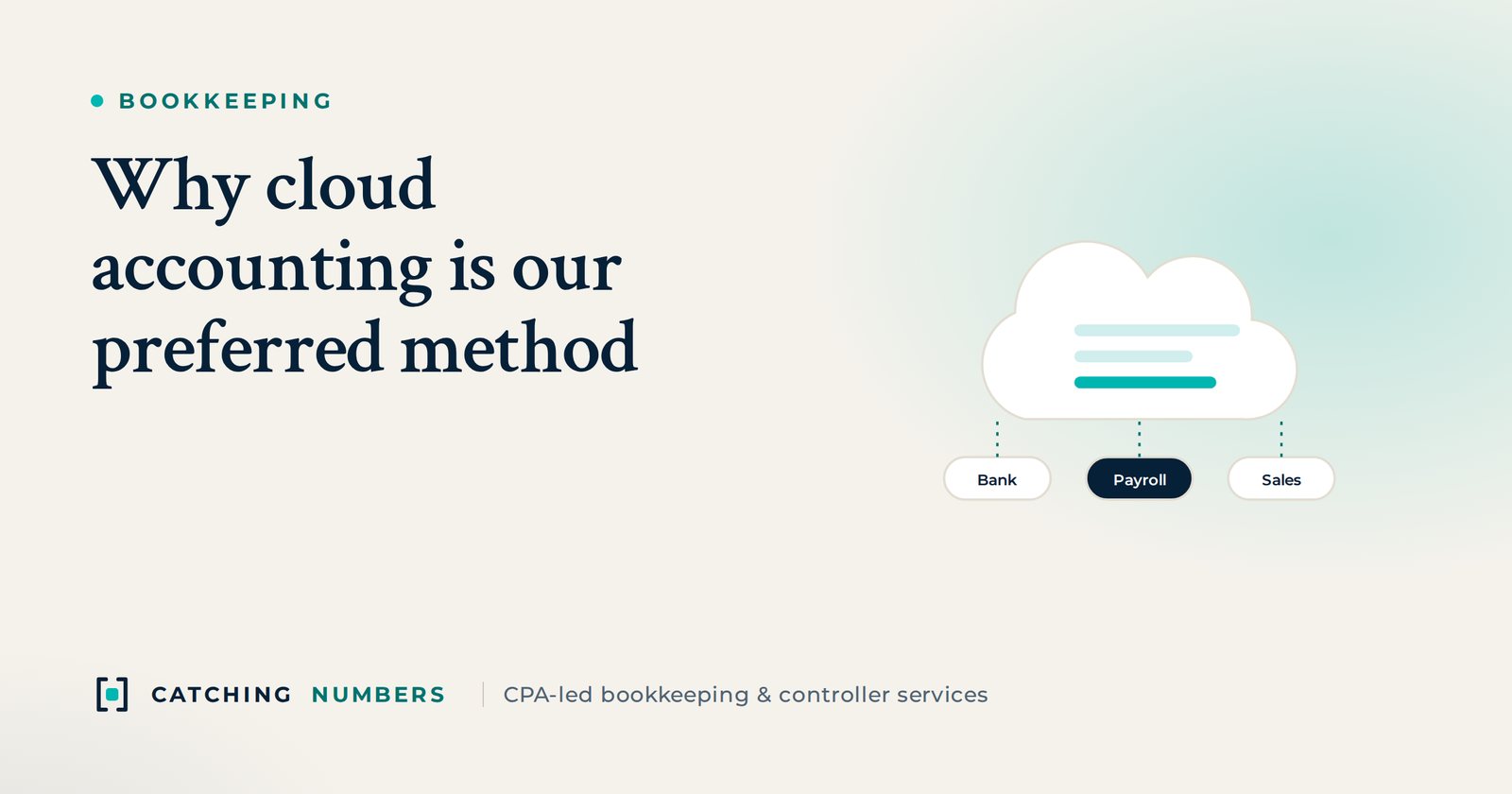
We run our clients’ books in cloud accounting software because it automates most data entry through bank feeds and rules, connects directly to the sales, payroll and bill-pay apps a business already uses, and gives owners up-to-date numbers from any device instead of waiting for month-end. When we started Catching Numbers in 2017, we chose cloud software (QuickBooks Online, Xero and Wave) for our clients instead of traditional desktop software, which surprised many of our peers at the time. Today cloud accounting is the standard, from small-business ledgers to NetSuite, Sage Intacct and AI-native platforms such as Rillet and Digits.
Key takeaways
- Bank feeds and rules automate most data entry.
- App integrations connect your sales, payroll and bill-pay tools to your books.
- You can see up-to-date numbers from any device, without waiting for month-end.
- Reputable cloud providers encrypt data and support two-factor sign-in, which is usually safer than a file on one office computer.
- The right platform depends on your stage: QuickBooks Online or Xero for most small businesses, NetSuite or Sage Intacct when multiple entities and heavier reporting arrive.
What are the benefits of cloud accounting?
The reasons we chose it still hold. Here are the features and benefits that matter most to our clients.
- Ease of use: The interface is pleasant to look at and easy to figure out, which is key for non-accountants. Instead of learning a complicated application, you can jump straight in and start processing transactions. Our team gets up to speed quickly, too.
- Bank and credit card feeds: Transactions flow in from your bank and card accounts automatically, so nobody has to key them in by hand. That’s an enormous advantage.
- Auto-categorization and rules: These applications remember how you’ve coded transactions before and suggest the same next time. You can also set up simple or complex rules to code transactions automatically based on conditions.
- Support: When something comes up, responsive support teams and extensive, useful help centers are there to back you up.
- Integrations and add-ons: Their app marketplaces offer a huge range of applications that connect directly to your books. This is one of the main reasons we build on cloud platforms: whatever a client’s business needs, we can usually find an app that gets us most or all of the way to an automated solution. That speeds up reporting and reduces errors, whether you sell through Shopify, BigCommerce or countless other platforms.
- Mobile apps: Capture receipts, send invoices and check your numbers on the go.
- Reporting: Data isn’t much use if you can’t slice and dice it. These apps include a wide range of reports you can customize and export to Excel or PDF.
- Real-time access: You don’t have to wait for a database file or for your accountant to close the month before making decisions. Your numbers are available from any computer, phone or tablet, wherever you are.
- Working with your accountant: Your bookkeeper, controller and tax CPA can all sign in to the same file with their own user access, so nobody emails backup files back and forth.
Is cloud accounting secure?
For most small businesses it is more secure than the alternative. A desktop file sits on one computer that can be lost, stolen, damaged or left unbacked-up. The major cloud providers encrypt data, back it up automatically and let you require two-factor authentication. The biggest risks are the ones you control: shared passwords, users who still have access after they leave, and no two-factor sign-in. Give every person their own login with only the access they need, and review the user list every quarter.
Which cloud accounting software is right for your business?
We are software-agnostic and work in whatever a client already uses. As a rough guide:
| Stage | Common choices | Why |
|---|---|---|
| Freelancers and very small businesses | QuickBooks Online, Xero | Simple, affordable, huge app marketplaces and accountant familiarity |
| Growing companies with more volume | QuickBooks Online Advanced, Xero, Rillet, Digits | More users, automation and better revenue and reporting tools |
| Multiple entities, investors, audits | NetSuite, Sage Intacct, Rillet | Multi-entity consolidation, approvals, revenue recognition and audit trails |
| Property managers | Buildium, AppFolio | Trust accounting, owner statements and tenant ledgers built in |
For a fuller comparison by stage and price, see our guide to the best accounting software for small businesses, or read QuickBooks Online vs NetSuite if you are outgrowing your current system.
How do you move from desktop software to the cloud?
- Clean up first. Reconcile every account and clear out old uncategorized items so you don’t migrate errors.
- Pick a start date. The first day of a month, quarter or year makes comparisons and the tax return simpler.
- Move the data. Bring over the chart of accounts, customers, vendors, open invoices and bills, and opening balances, plus history if you need it.
- Connect feeds and apps. Link banks, cards, payment processors, payroll and sales channels, and set up rules.
- Tie out. Compare trial balances in the old and new systems before you switch the old one off.
Thinking about moving to the cloud, or already there but not getting the most out of it? See our accounting software setup and migration services, read about the five bookkeeping mistakes cloud tools help you avoid, or ask about a fixed-fee cleanup before you migrate.
Frequently asked questions
What is cloud accounting?
It is accounting software that runs in a web browser or app, with your data stored on the provider’s servers instead of on your own computer. You and your accountant can sign in from anywhere, and the software updates itself.
Is QuickBooks Online better than QuickBooks Desktop?
For most small businesses we prefer QuickBooks Online for its bank feeds, app integrations and remote access. Desktop can still suit some industries with specialized inventory or job costing needs, but Intuit is putting its new development into the online products.
Is QuickBooks Online or Xero better?
Both are strong. QuickBooks Online is the most common choice in the US and familiar to most tax CPAs; Xero has unlimited users on every plan and a clean interface many owners like. The right answer depends on your apps, team size and how you invoice.
Can my accountant access my cloud accounting file?
Yes. Most platforms let you invite an accountant user who signs in with their own credentials, so you never share your password and you can remove access at any time.
What happens to my data if I stop paying for the software?
Providers typically switch the file to read-only for a period and then delete it, so export your reports and transaction history before you cancel. Check your provider’s current policy.
Do bank feeds replace bank reconciliations?
No. Feeds can drop, duplicate or delay transactions, so you still need to reconcile each account to the bank statement every month to confirm the books are complete.
How long does it take to move to cloud accounting?
A small business with clean books can usually be moved within a few weeks. If the old books need cleanup first, allow more time, because migrating errors just moves the problem.
When should a company move from QuickBooks or Xero to NetSuite?
Usually when it has several entities to consolidate, complex revenue recognition, many users needing approvals, or investors and auditors asking for more. Our QuickBooks Online vs NetSuite guide covers the signs.
What are AI-native accounting platforms?
Newer ledgers such as Rillet and Digits are built around automation from the start, handling more categorization, revenue recognition and close tasks automatically. See our AI accounting software comparison.
Which software do you work in?
Whatever you already use, including QuickBooks Online, Xero, NetSuite, Sage Intacct, Rillet, Digits, Buildium and AppFolio. If you are choosing, we recommend one based on your stage and apps.
Want help choosing or moving to the right system? Book a free consultation or call +1 (646) 450-8036.